Synchronized with MainStage
Already running your set in MainStage? Strobe follows it over MIDI: changing patch switches the song, the MIDI clock sets the tempo, and Start/Stop play the lights with the band. No extra clicks on stage.
 STROBE
A DMX show runner on your MacBook.
Put your lights on your songs' timeline, fire them live from any MIDI controller, and see the whole rig in 3D before you plug in a single cable. Free and open source.

Every light cue is a button: an effect, a color, a duration and the lights it drives. Keep them for one song, or make them global and use them in the whole set.
Each cue answers to a MIDI note, so the same button can be fired by the song's timeline, by MainStage, or by your foot.
Hit Record and play your cues along with the song, on the buttons, a MIDI keyboard or a foot controller, the way you would on stage. Strobe writes every hit on the song's timeline, right on the nearest sixteenth.
From then on, the song runs its own lights, in time, every night. No lighting console to learn, nothing to program note by note: if you can tap a rhythm, you can write a light show.
Then fix a note, loop a pattern over the chorus, and keep your hands for your instrument.
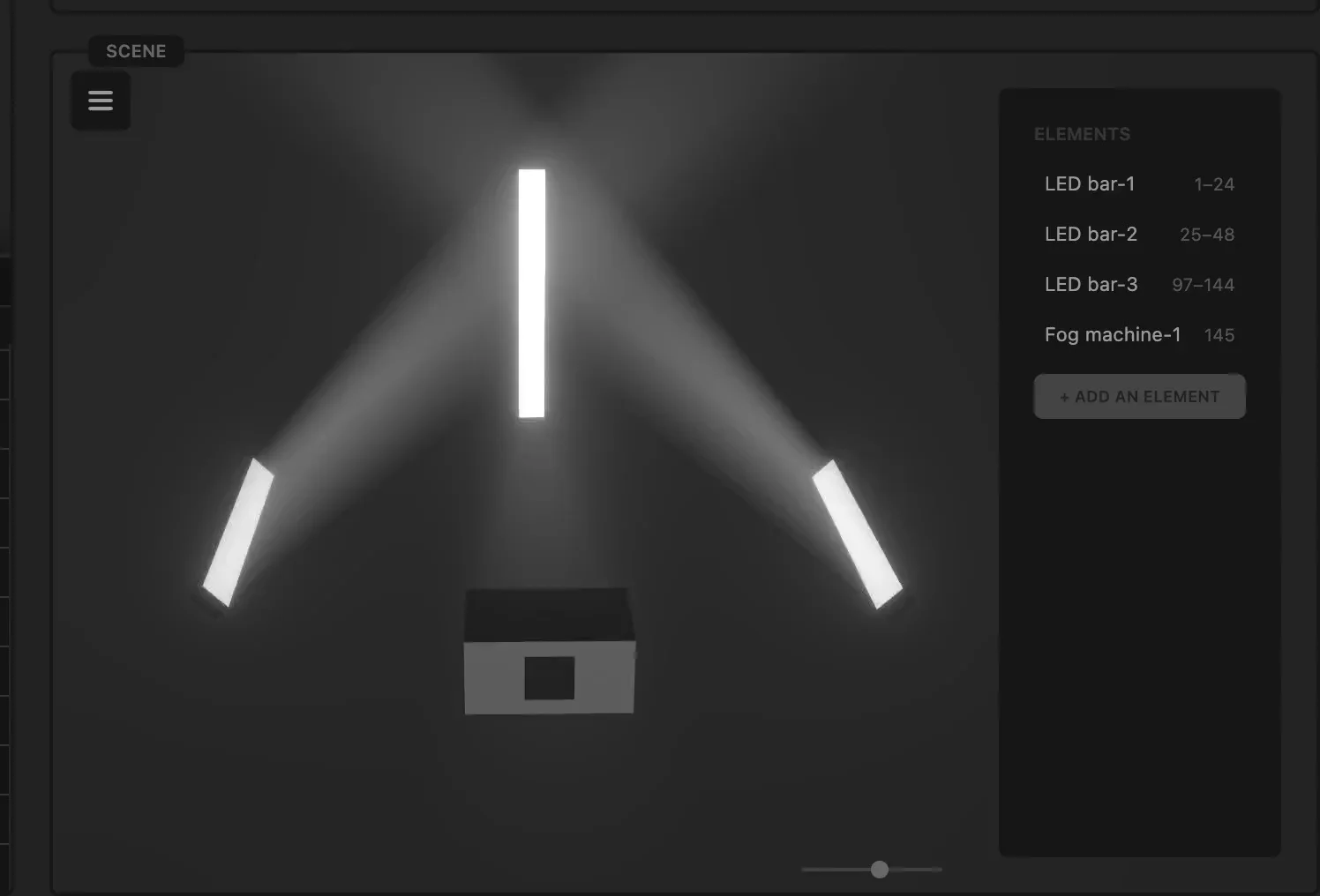
Place your LED bars and your fog machine where they really are, and watch every cue play on them as it will on stage, beams and fog included.
Rehearse the light show at home, on a laptop, with no hardware plugged in.
Set and Toggle to switch lights on, Boom for a flash that fades out, Run and Inverse run for a light racing along your bars.
Simple on purpose: a handful of effects, timed to the music, go a long way.
Strobe follows MainStage over MIDI. Change patch and the song changes in Strobe; press Play and the lights play with the band, at MainStage's tempo; press Stop and they stop. Nothing to touch in Strobe during the show.
Narrow Strobe's window next to MainStage and it turns into a single column made for playing: the current song, your cues and the stage, with a light each for MIDI and DMX. How to connect MainStage →
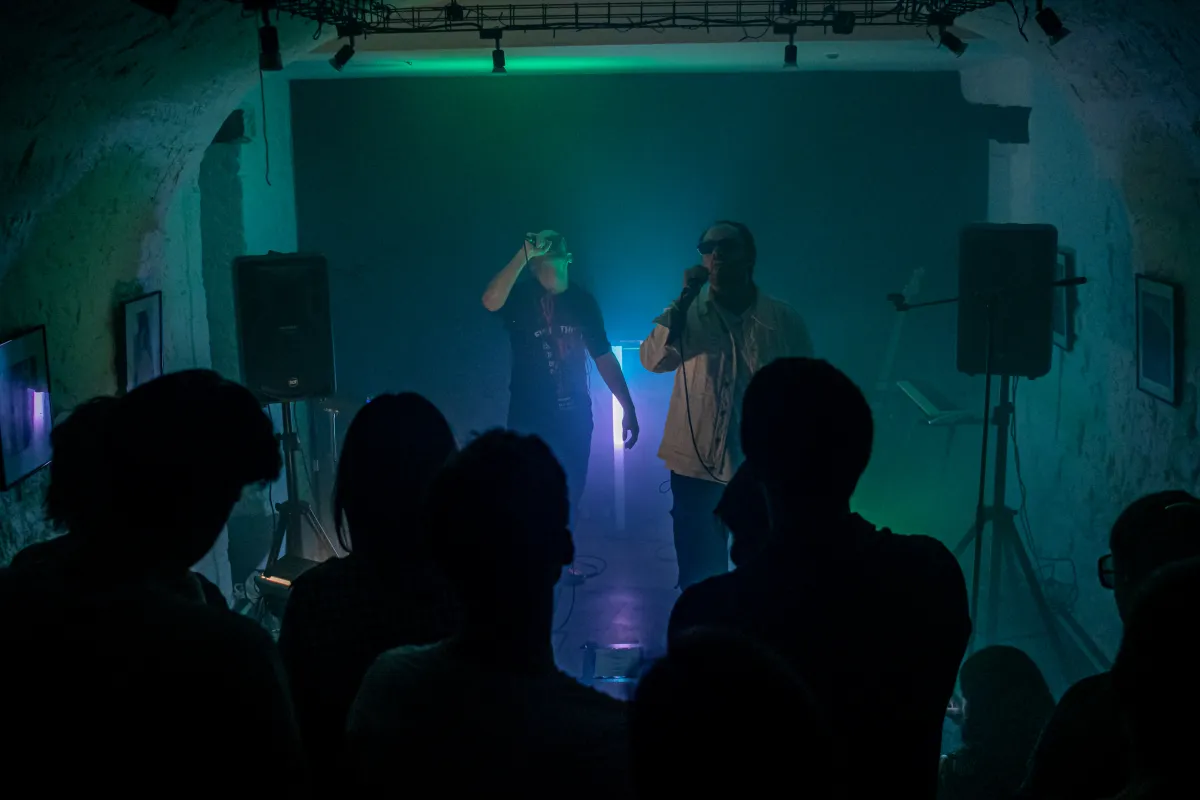
We're a small indie band, and we wanted our lights to follow our MainStage playback. So we bought two basic LED bars and an Enttec Open DMX USB interface.
Then we got stuck. The free DMX software we found relied on a driver that no longer works on recent versions of macOS, and none of it could sync with MainStage. We wanted our light shows to run by themselves, with nobody touching anything on stage. So I built Strobe.
We've since played a one-hour set with custom lights on every song: three LED bars and a fog machine. After a bit of polishing, Strobe is now open to everyone, and we hope it helps other indie bands.
Nicolas, MAAD AVENUE
Strobe was built for musicians who want a real light show without hiring a lighting tech or learning a pro console.
Already running your set in MainStage? Strobe follows it over MIDI: changing patch switches the song, the MIDI clock sets the tempo, and Start/Stop play the lights with the band. No extra clicks on stage.
Your setlist sits in a column on the left: each song is a track with its audio and BPM. Draw MIDI notes on the waveform and your lights follow the music, beat for beat.
Assign any key of a MIDI keyboard, pad or foot controller to a light cue. Strobe picks up devices as soon as you plug them in.
A show is a single document on your Mac, with its songs and lights inside. Double-click it to open it, copy it, back it up. Full undo and redo included.
MIT licensed and developed in the open. Read the code, report a bug, add the fixture you need.
For now, the Open DMX USB is the only DMX interface Strobe talks to. Using another one? Tell us which, and we'll look into it.
Suggest a featureStrobe started as the light rig of one band. If it can be useful to yours, take it. And if something's missing, open an issue or a pull request.